CRM
This document describes the CRM page in the Teliqon Portal, including access to the CRM demo version, trial registration, and information about the available functionality during the trial period.
General information
On the CRM page, you can get a demo version of a standalone CRM product. You can access this page from the sidebar menu on the left:
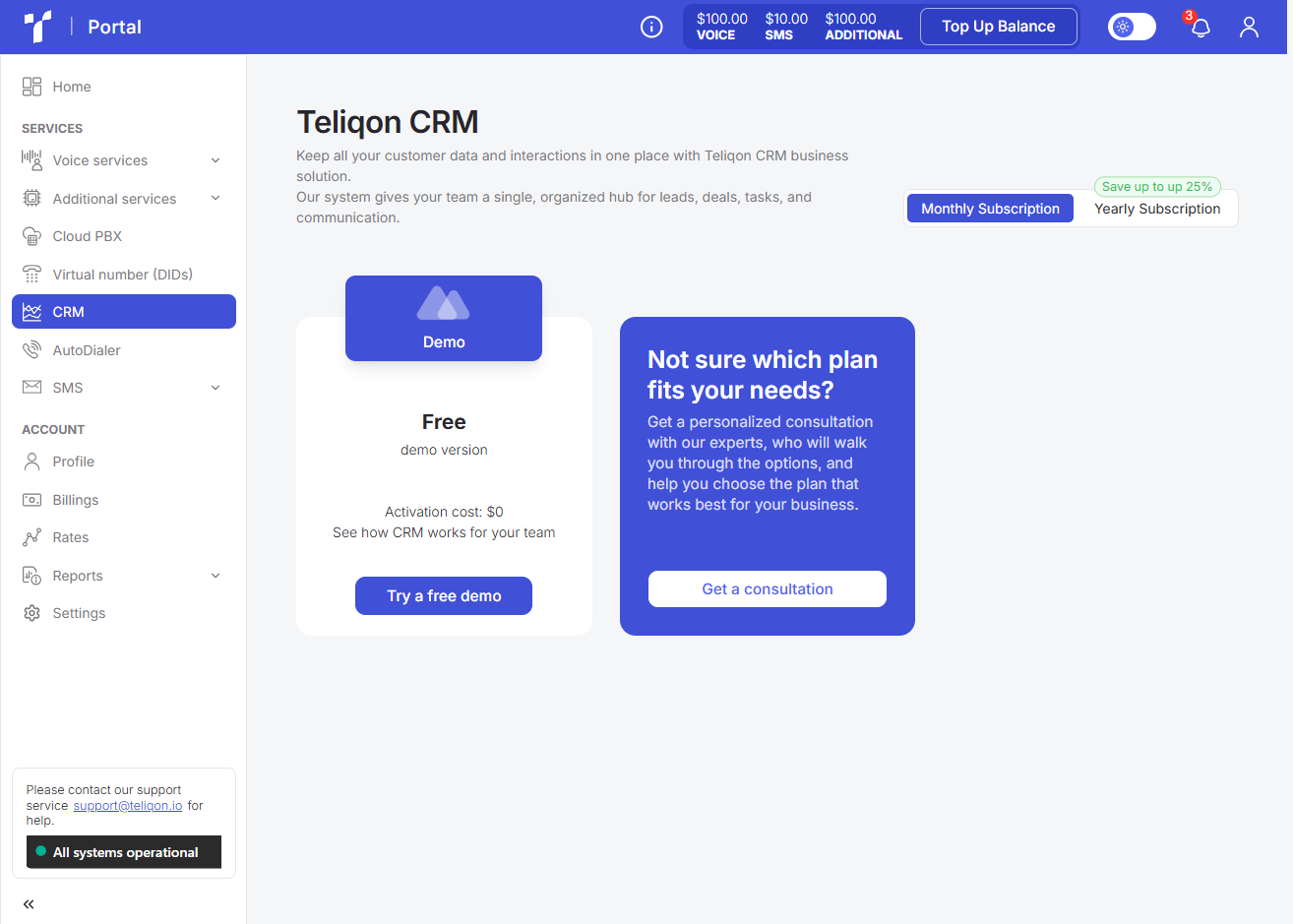
The CRM product allows you to effectively manage customer relationships, structure your contact database, and control all sales stages within a single interface.
Trial period
Clicking the Try a free demo button will open the registration page:
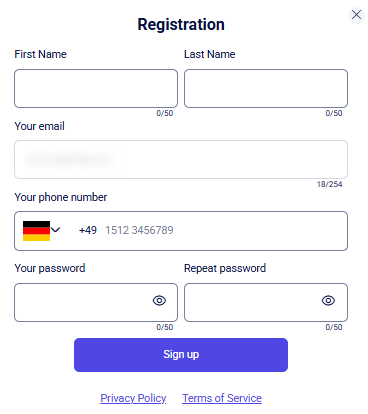
Fill in all the data and click the Sign up button. You will then be taken to the CRM demo page.
You will be assigned the Demo User role, which allows you to explore the system's entities. You can freely view, create, and edit core data (leads, clients, deals, etc.), as well as explore the overall interface and functionality of the system. If you would like to purchase the full product, you need to contact support via the Get a consultation button in your account or follow the link here.
The trial period for the demo version lasts 14 days. You can view the access expiration date in your Teliqon Portal personal account:
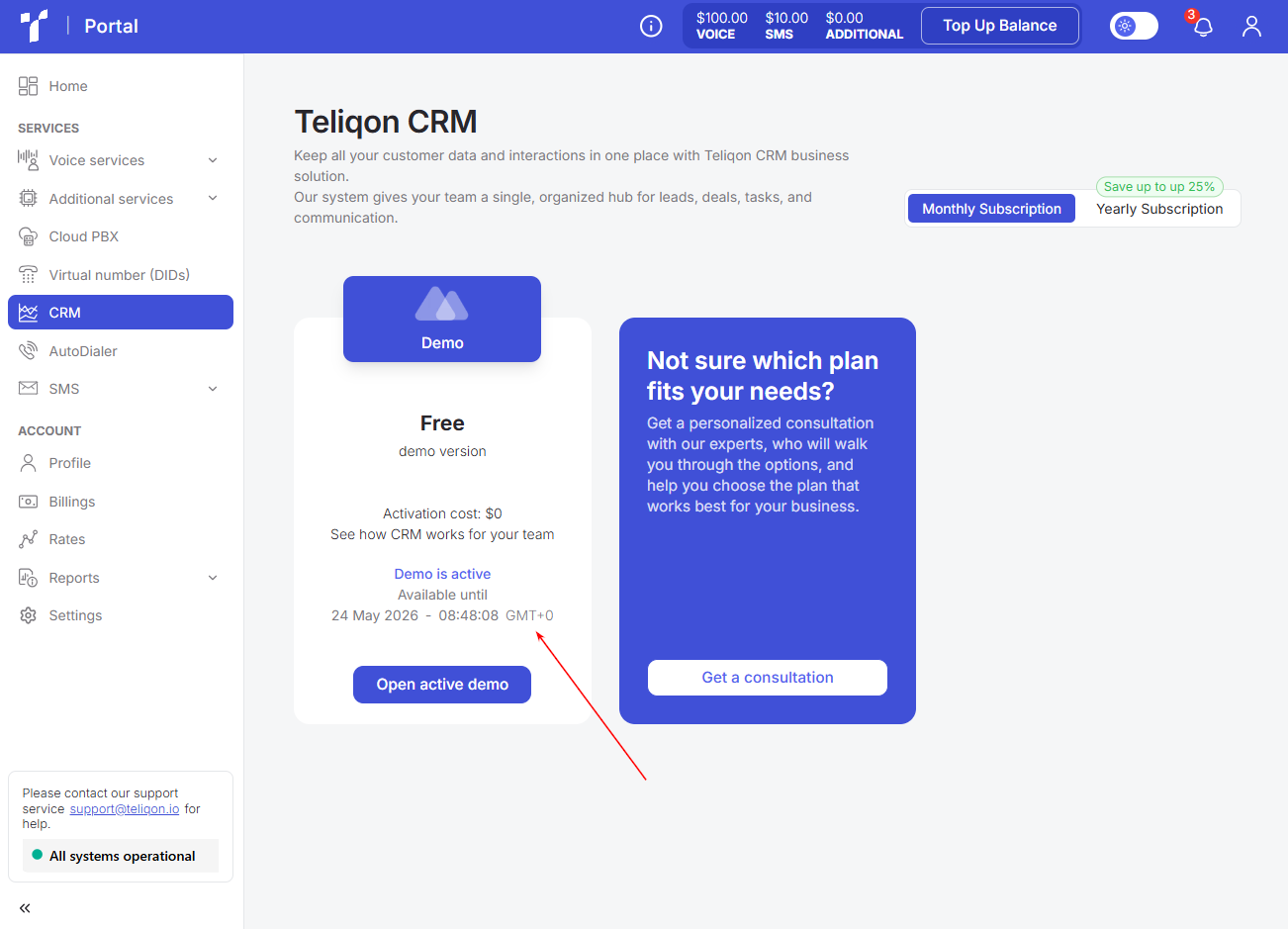
If your trial period has ended, you can renew it by contacting the support team.
Instructions on how to set up your CRM are described here.
Anti-Spam Recommendations
Practical recommendations for protecting DID numbers from spam labels and maintaining a good calling reputation.
AutoDialer
This document describes the AutoDialer page in the Teliqon Portal, including available tariff plans, subscription purchase flow, and active solution management. It also explains the AutoDialer list, top toolbar, filtering, sorting, tariff editing page, and bottom toolbar pagination controls.


